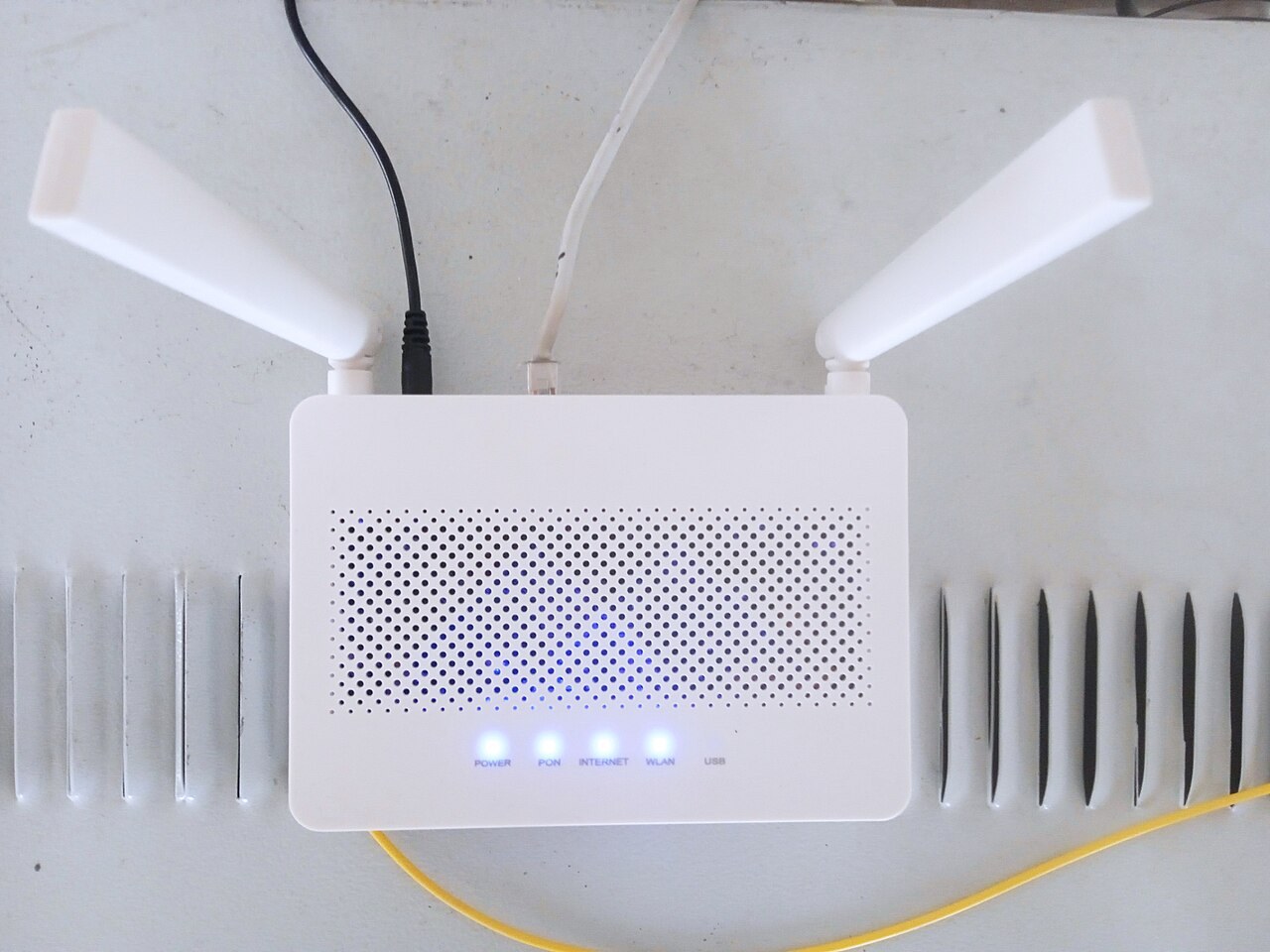
The term Wi-Fi initially confirms only a wireless connection option. It does not explain reception at your intended workspace or how several devices perform together. Describe the actual use you need: occasional messages, evening streaming or dependable work calls. Different activities call for different information.
Ask about the relevant room
Request a current assessment in the particular room you plan to use. Thick walls or a router in another accommodation unit may affect coverage. One speed test is a snapshot rather than a permanent guarantee. Also ask whether credentials are supplied on arrival and whether guests share a dedicated guest network.
Allow for simultaneous devices
Mention it if several people expect to stream while someone joins a video call. Check for device limits or login portals. Important work benefits from an independently available alternative, such as a mobile connection checked beforehand. Regional coverage maps alone cannot establish reception inside every room, so avoid treating them as an indoor guarantee.
Connect with care
Confirm the correct network name with the provider. Keep devices and applications updated and do not follow unfamiliar installation prompts supposedly needed for Wi-Fi. Observe employer security rules and BSI guidance. Leave the property’s router settings alone. Report connection problems with the room, time and observed behaviour so the responsible person has useful information.
Common questions
Does a Wi-Fi icon guarantee speed?
No. Confirm your particular requirements and arrange an alternative for important tasks.
May I reset the router during an outage?
Not without explicit agreement. A reset can erase saved settings and disconnect other equipment.